01 / EVENTS
Explore your options
Browse events from different websites in one place, without switching between apps.
Start with curiosity.
Sporting events in Telegram
Events from different websites, together in one Telegram mini app. Find an event by country, city, date and sport.
Find your next eventOpens in Telegram.

SPICHKI / GO BEYOND THE EVERYDAY
GIVE IT
A GO
Your pace. Your next challenge.
Road races, half marathons and marathons.
Choose a distance, date and place — find your next race.
In Telegram · filter by running

What sparks
your interest?
No need to search one website after another.
Spichki brings events together in Telegram.
01 / EVENTS
Browse events from different websites in one place, without switching between apps.
02 / CALENDAR
Add events to your calendar and keep your upcoming plans together.
03 / FRIENDS
Share an event in Telegram and make plans to take part with friends.
Three simple steps
The mini app runs right inside Telegram.
Choose a city, date and sport.
Go to the organiser’s website to register.
Registration takes place on the organiser’s website.
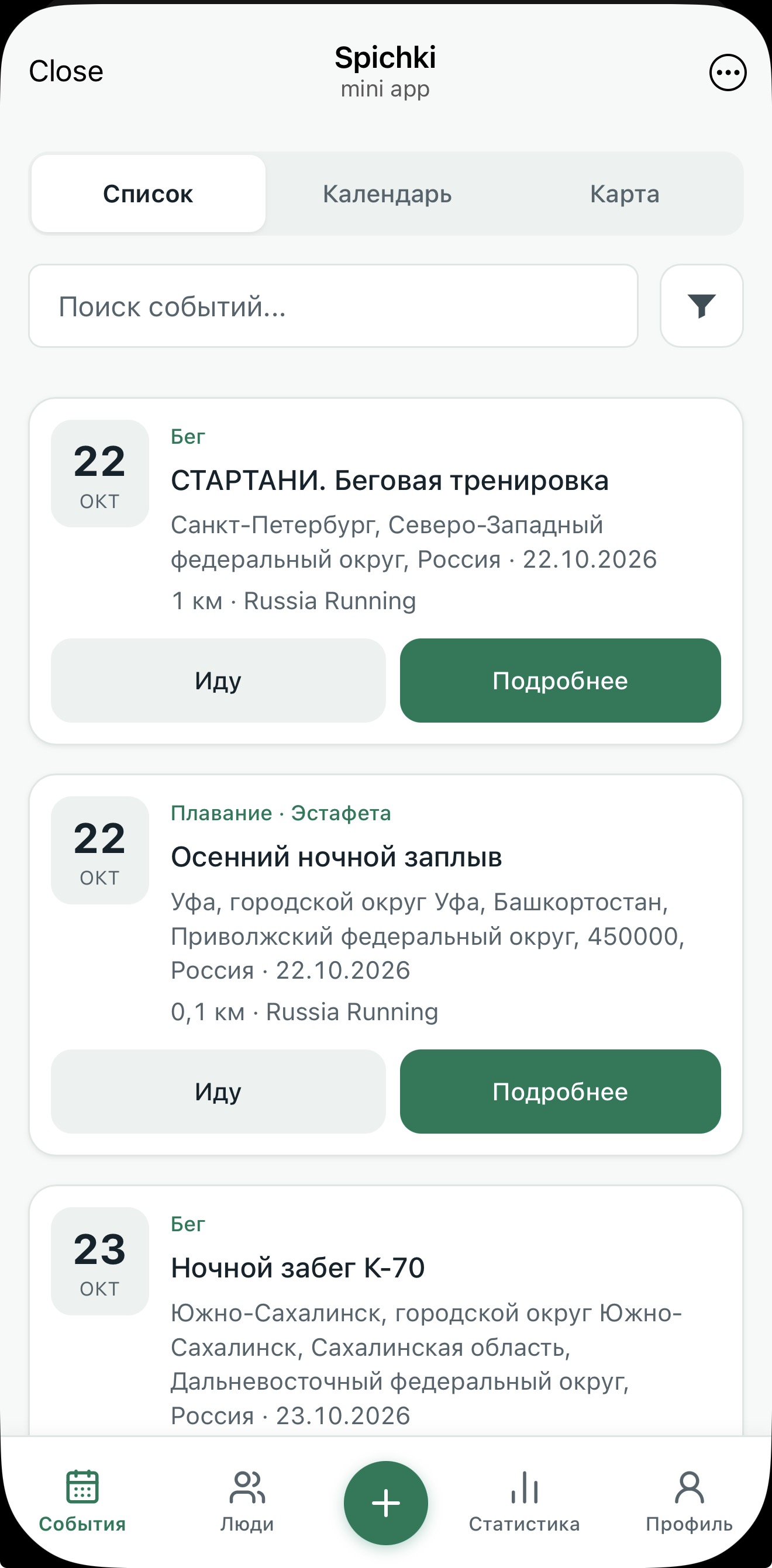

Your pace. Your next challenge. Your people.
Find an event, share it with friends and make plans to take part together. There’s your reason to get out.
Open SpichkiNo. Spichki runs right inside Telegram.
Open the bot and launch the mini app — there’s nothing extra to install.
Open an event in Spichki and follow the link to the organiser’s website.
You can check entry requirements, fees and registration there.
Look for a distance and event format that suit you. Before registering, check the organiser’s fitness requirements, time limits and required documents.
Get in touch using the contact details in the welcome message from the Spichki bot.
Send us an event link or tell us which sport you’d like to see.